Silicate
Python bindings for Silicon's renderer — create beautiful images of your source code, powered by Rust.
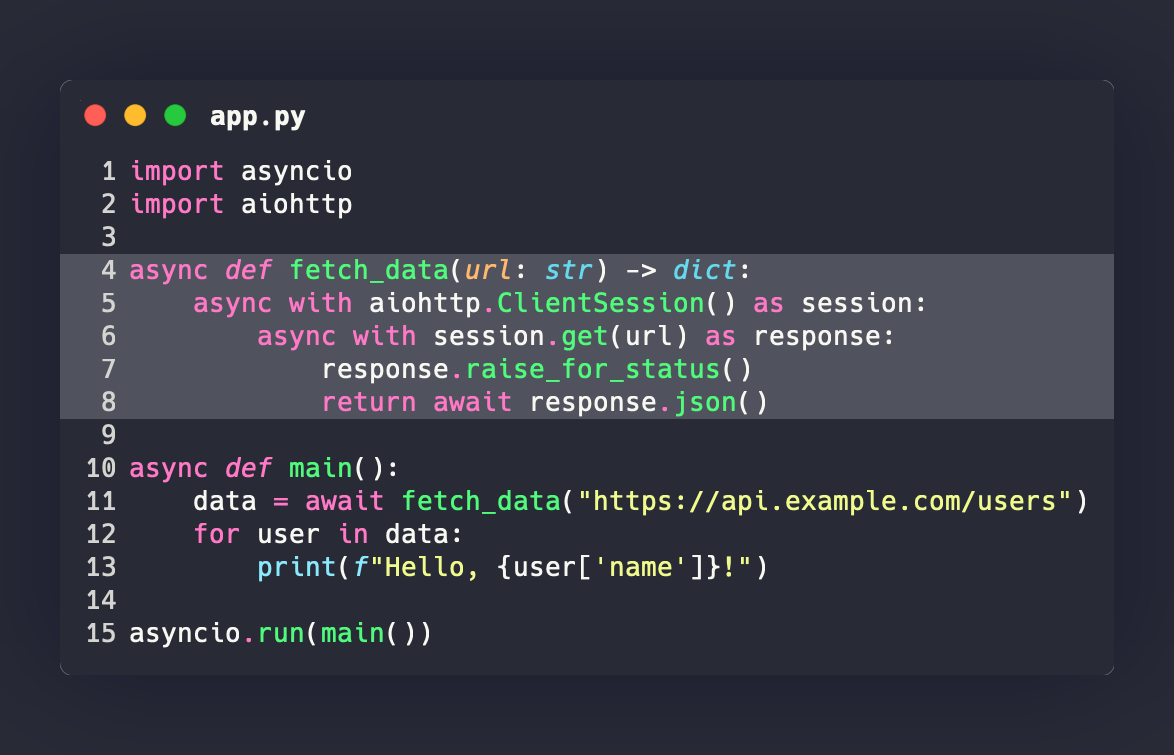
Unlike wrapper approaches that shell out to a CLI, Silicate uses PyO3 to call Silicon's Rust library directly, giving you native performance with a clean Python API.
Features
- Native Rust performance — no subprocess overhead, no CLI dependency
- Rich customization — themes, fonts, shadows, line highlighting, window controls
- 24 built-in themes — Dracula, Nord, Monokai, Solarized, and more
- 180+ languages — powered by syntect's syntax highlighting engine
- Type-safe API — full type stubs for IDE autocompletion
- Returns bytes or saves to file — integrate into any workflow
Quick start
import silicate

# Generate PNG bytes
png = silicate.generate(
    "print('Hello, World!')",
    language="python",
    theme="Dracula",
)

# Save directly to a file
silicate.to_file(
    "fn main() { println!(\"Hello!\"); }",
    "output.png",
    language="rs",
    theme="Nord",
    window_title="main.rs",
)
Theme gallery
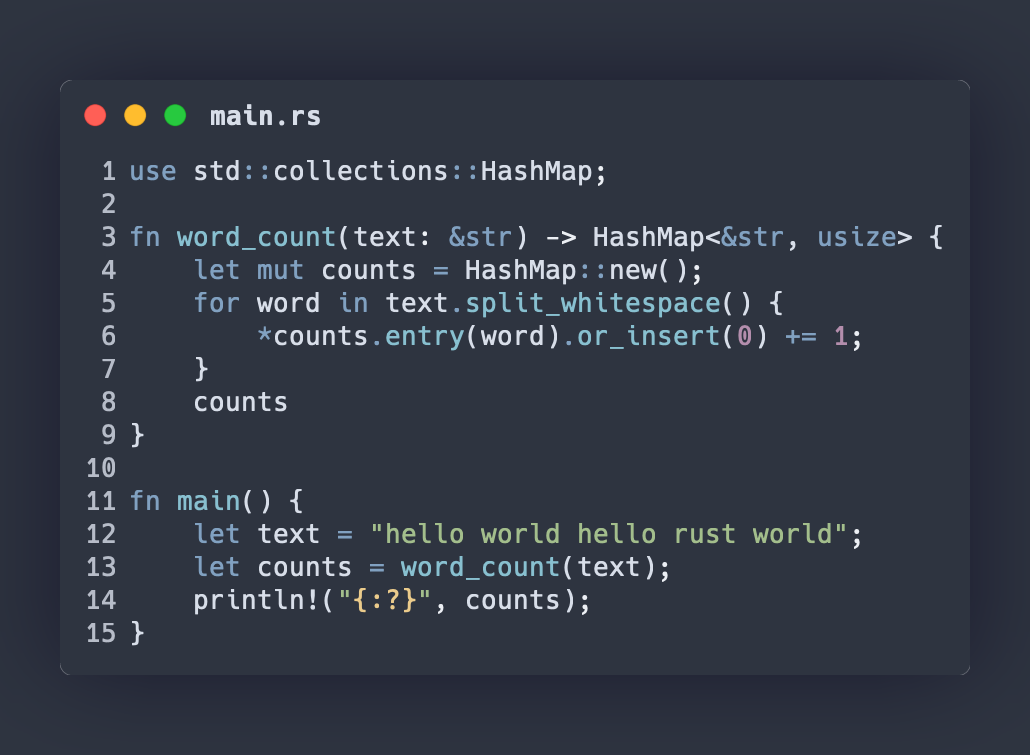
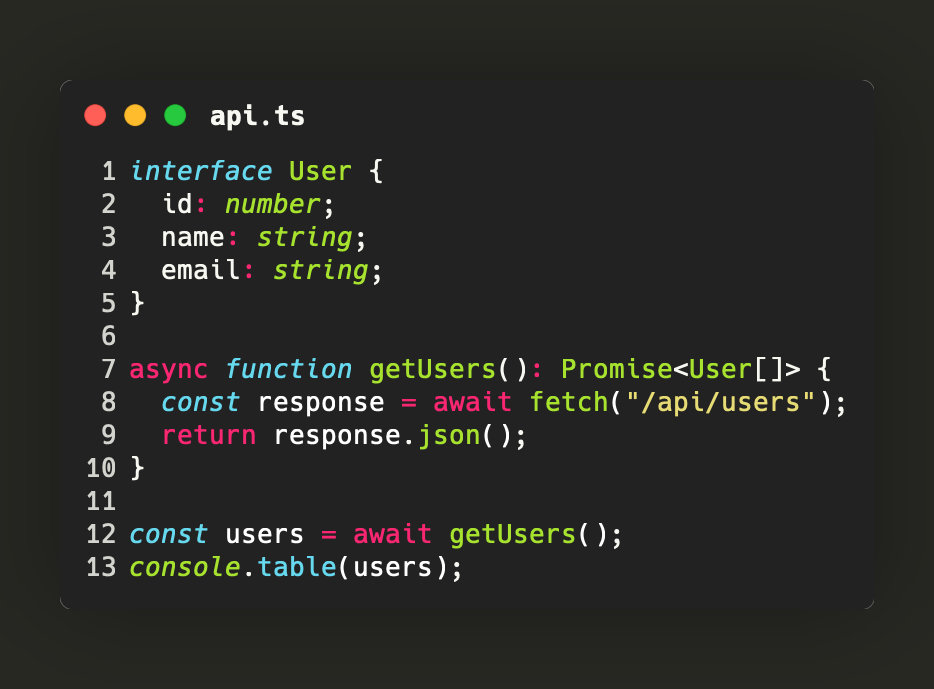
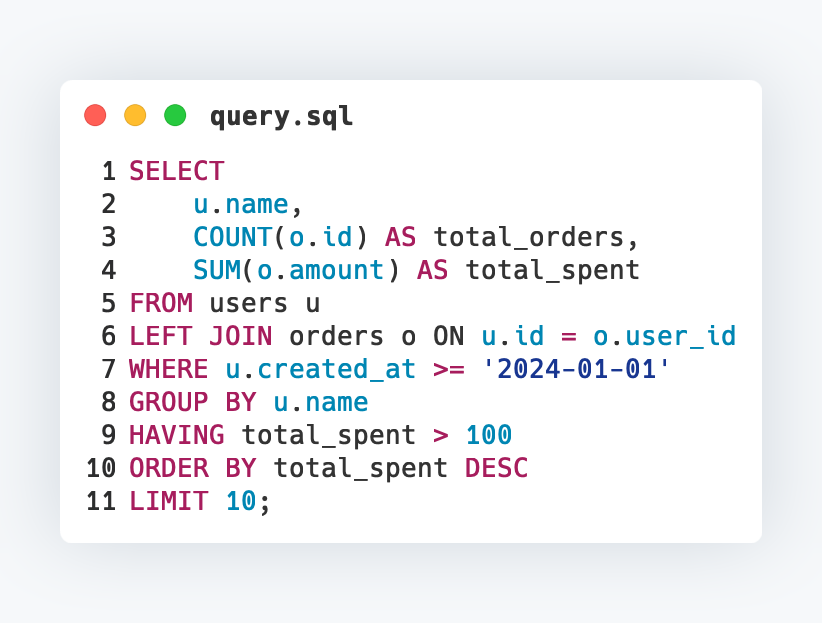
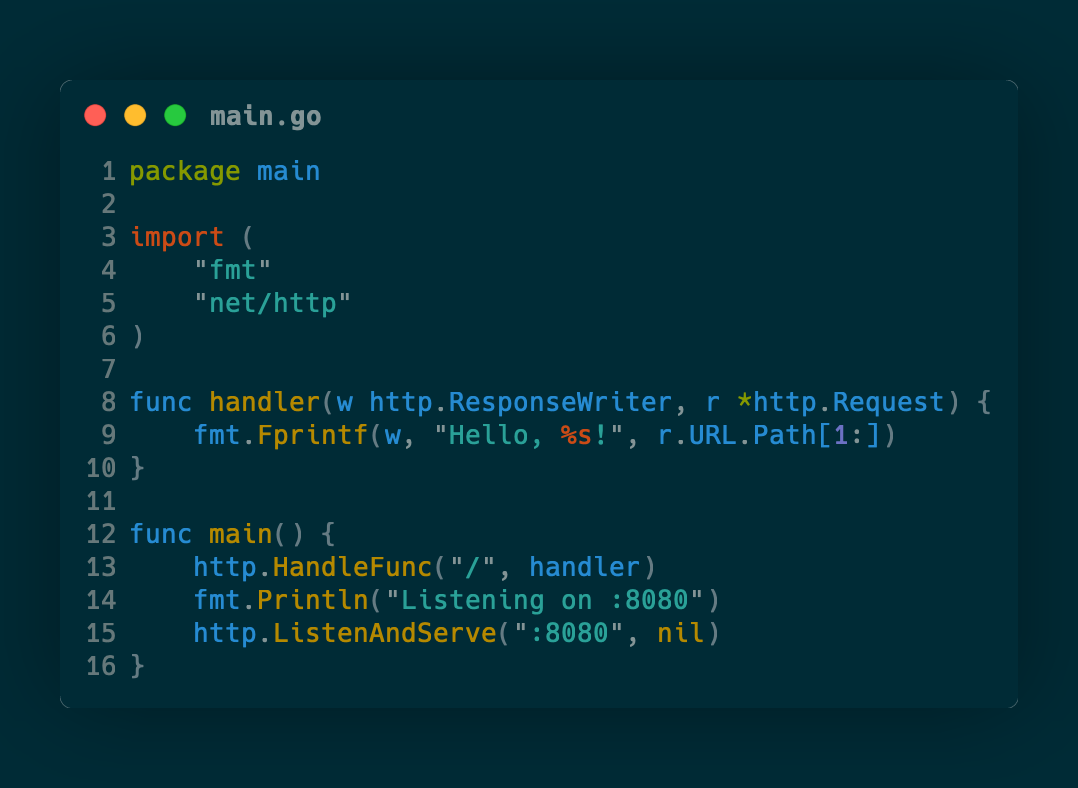
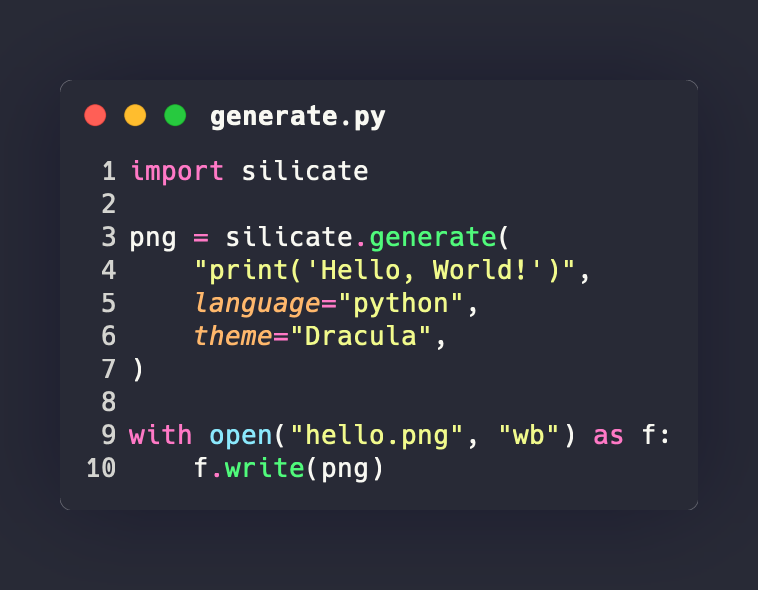
Silicate ships with 24+ built-in themes. Here are a few examples across different languages:
Dracula — Python
Nord — Rust
Monokai Extended — TypeScript
GitHub — SQL
Solarized Dark — Go
Silicate itself — Python
How it works
graph LR
    A[Python code string] --> B[Silicate]
    B --> C[Silicon Rust library]
    C --> D[syntect highlighting]
    D --> E[Image rendering]
    E --> F[PNG bytes / file]
Silicate embeds the Silicon Rust library via PyO3, compiled with maturin. The syntax highlighting engine, font rendering, and image composition all run in native Rust — Python only handles the API surface.
Built by All Tuner Labs